Open the photo you want to edit
Install Styza from Google Play and pick any photo from your gallery. A clear shot with your upper or full body visible gives the best edit; heavy blur and very low light are the usual causes of a poor result.
To change clothes in a photo, install Styza from Google Play, upload the picture, and tap the garment you want instead. The app re-renders the new clothing onto your body in about fifteen seconds, matching your pose and the light in the shot, and saves the result in HD with no watermark. No masking, layers or editing skills are involved.
These are unretouched before/after pairs. Drag the handle to check the edges, the collar line and the shadow under the arm.
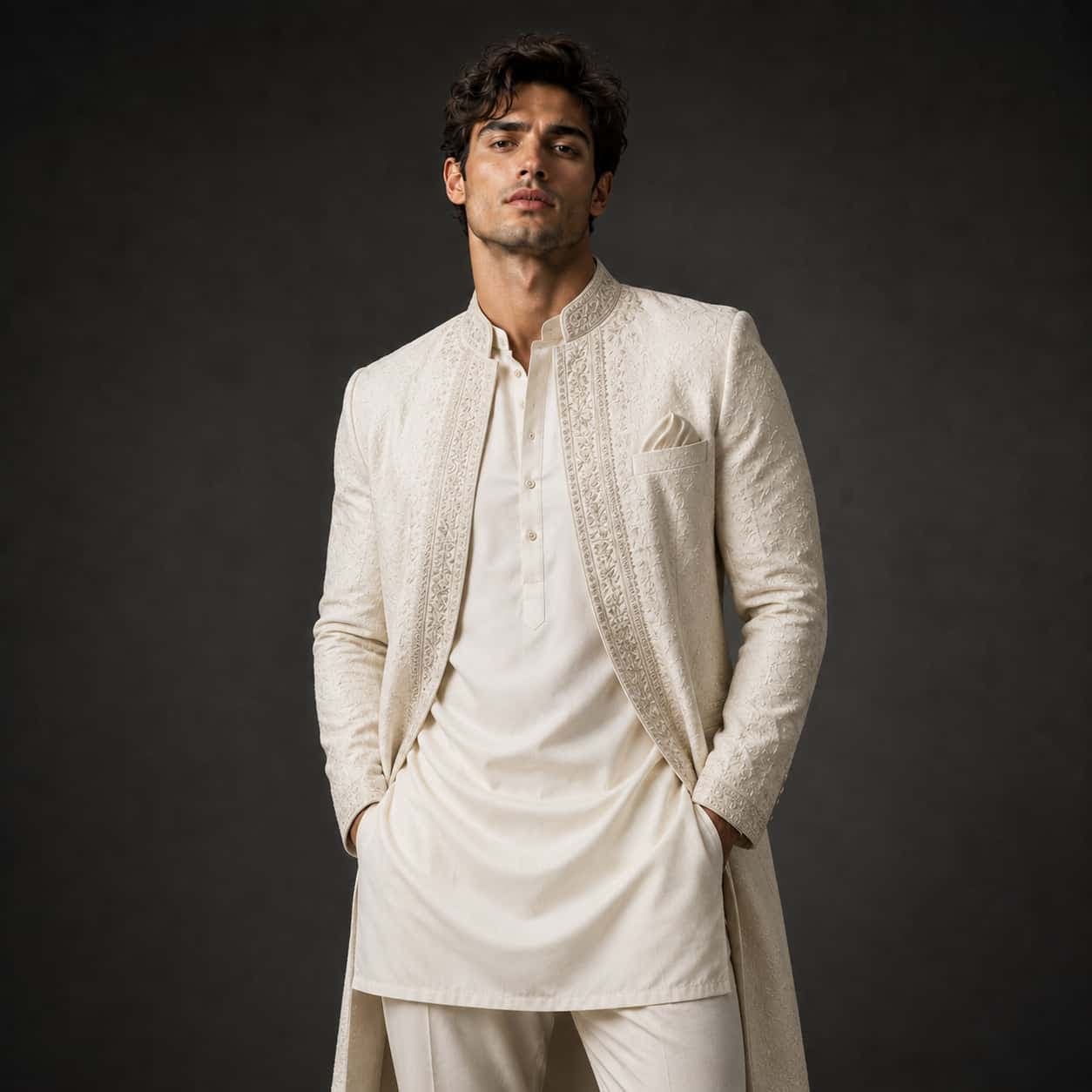
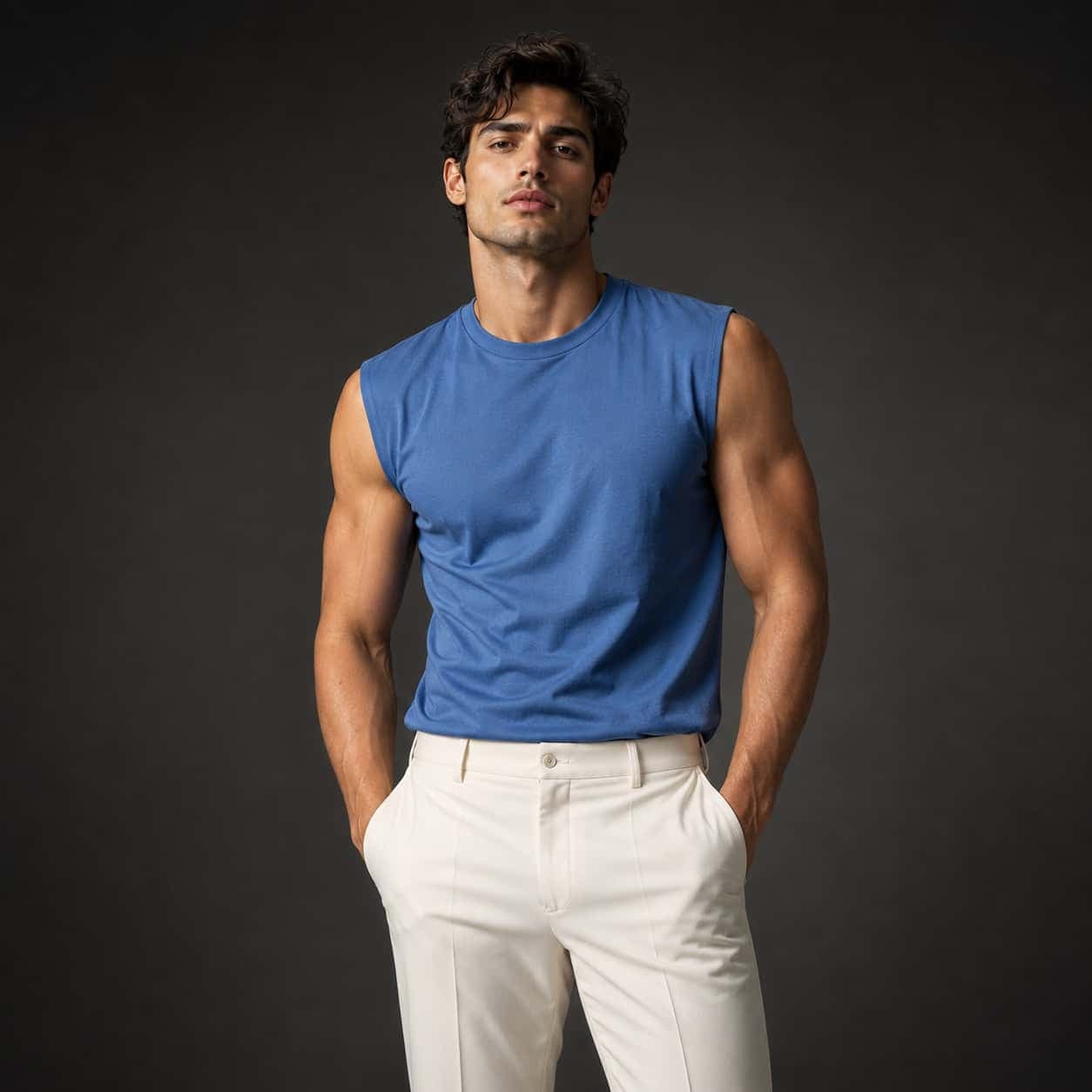


Install Styza from Google Play and pick any photo from your gallery. A clear shot with your upper or full body visible gives the best edit; heavy blur and very low light are the usual causes of a poor result.
Choose from 360+ garments across six categories. There is no brush to paint with, no selection to make and no prompt to write — tapping the garment is the whole instruction.
The swap finishes in around fifteen seconds. Download it at full resolution without a watermark, and repeat with a different garment if you want to compare looks.
Clothing only. Styza replaces the garment and leaves the person, the pose and the scene as they were.
The same edit, done by an app, by hand, or by paying someone else.